A self-guided tour of the product your front desk will actually use.
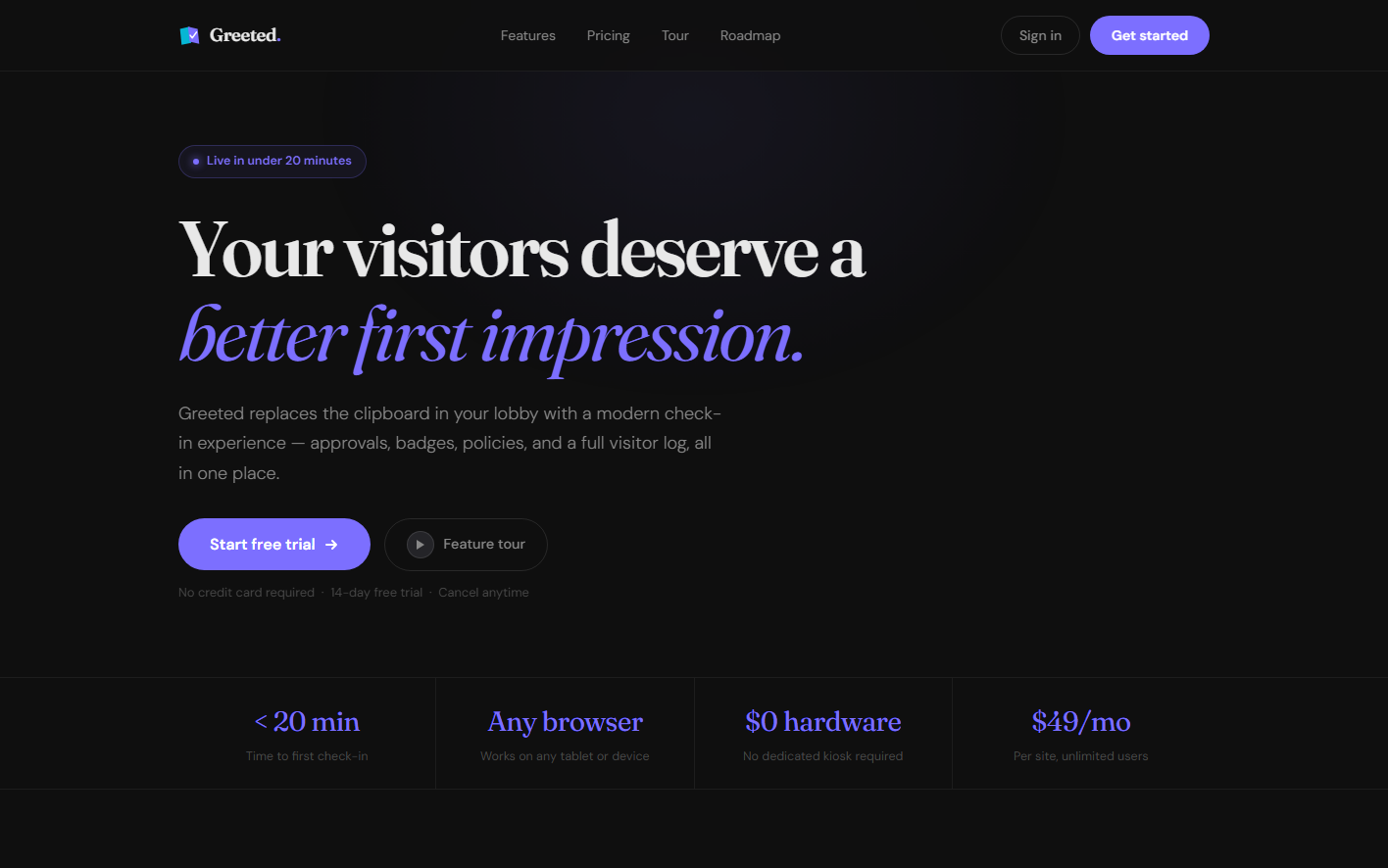
Greeted brings visitor requests, approvals, host alerts, QR invites, delivery handling, policy enforcement, identity management, and the lobby kiosk into one connected experience.
What you're looking at
One connected system from visitor request to badge print.
Greeted works best as one connected journey. Employees register visitors. Approvers apply policies. Admins control branding, users, documents, and identity. Operations runs the lobby. The kiosk finishes the arrival experience cleanly.
- Requests, approvals, operations, and kiosk in one system
- Sites, lobbies, kiosks, and site-level areas
- Document templates, policy bundles, and signed-PDF enforcement
- QR invite emails, host alerts, and returning visitor recognition
- Auditable approval, compliance, delivery, screening, and kiosk history
- Local auth, invites, Microsoft 365, and SCIM readiness
- Tenant branding with login and kiosk surfaces
01 — Employee requests
Start with a request flow employees can finish in under a minute
Employees register visitors, choose the site, lobby, approved areas, and visit type, then reuse returning visitor details instead of rebuilding the same request every time.

02 — Approvals
Review visits, apply policy, and keep approvals visible
Approvers can review requests, attach one or more policy bundles, and move visitors forward with QR invite emails and a visible audit trail instead of a scattered email chain.

03 — Front desk operations
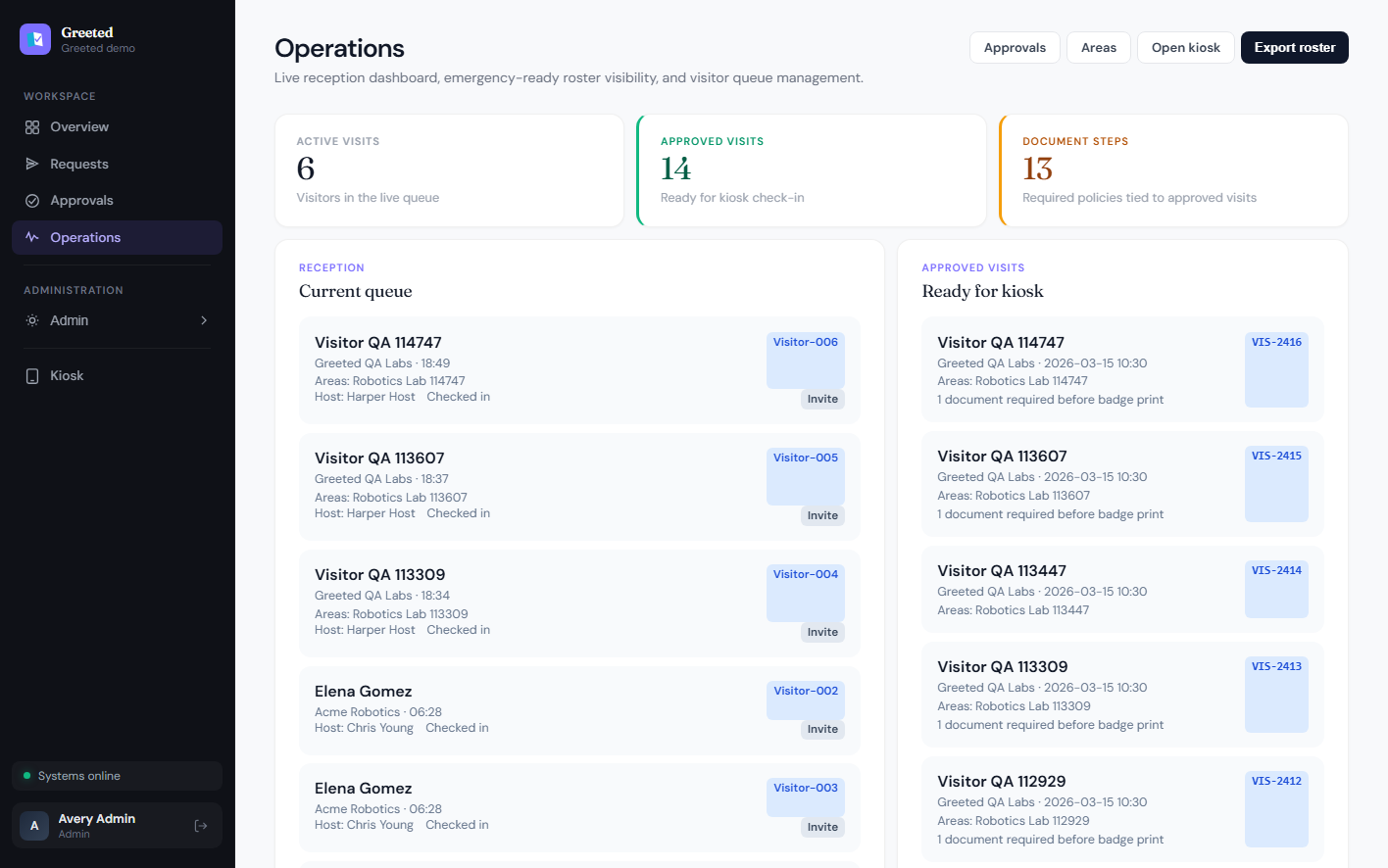
Run the lobby from a calm operations board
Reception gets a live surface for arrivals, delivery traffic, screening hits, top hosts, and current activity. It feels more like a front-desk control board than a generic admin table.
04 — Branding & rollout
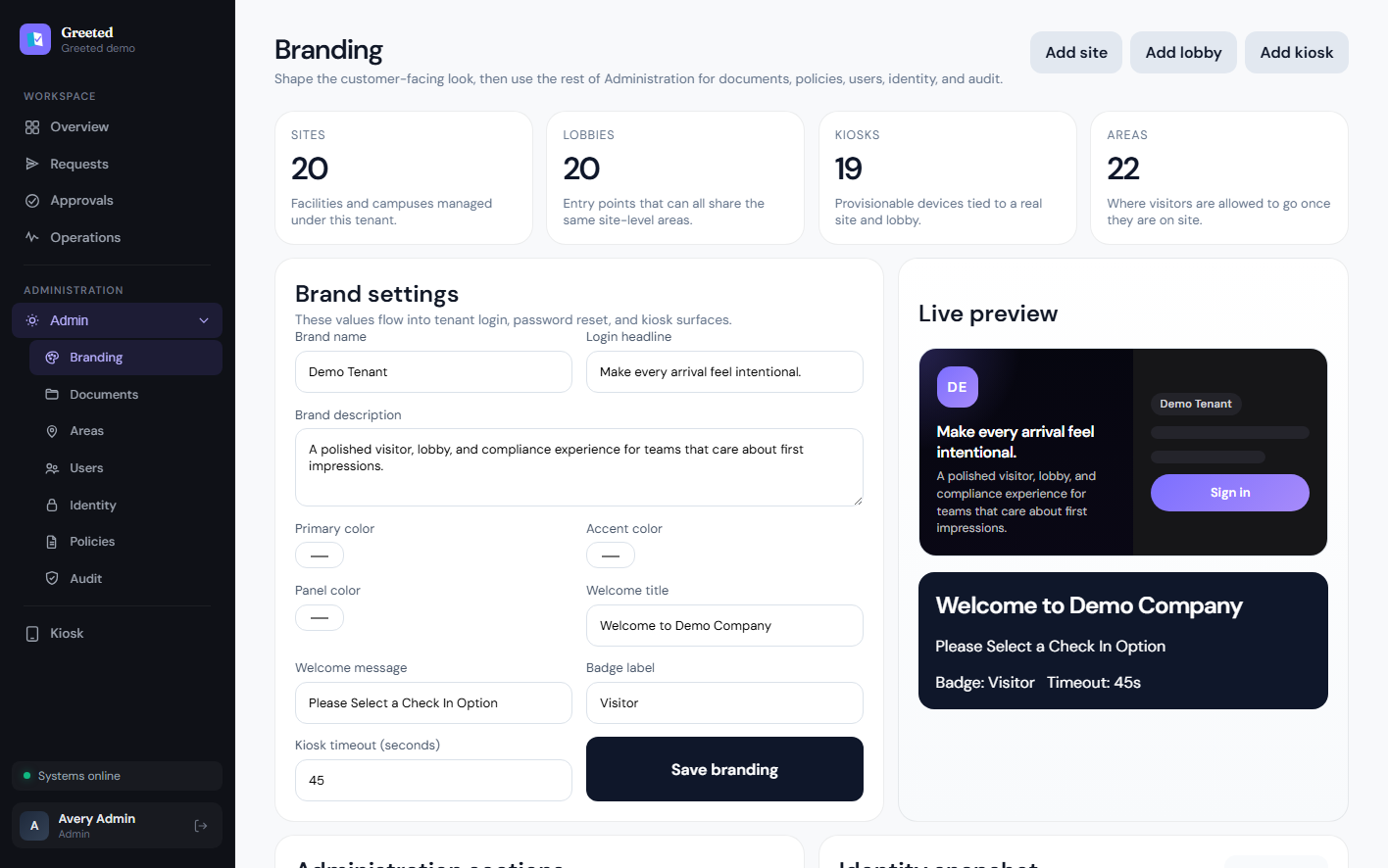
Shape the public-facing experience without touching code
Admins control tenant branding, kiosk copy, badge wording, login surfaces, site and lobby rollout, and per-kiosk provisioning from one launch-ready control surface.
05 — Documents
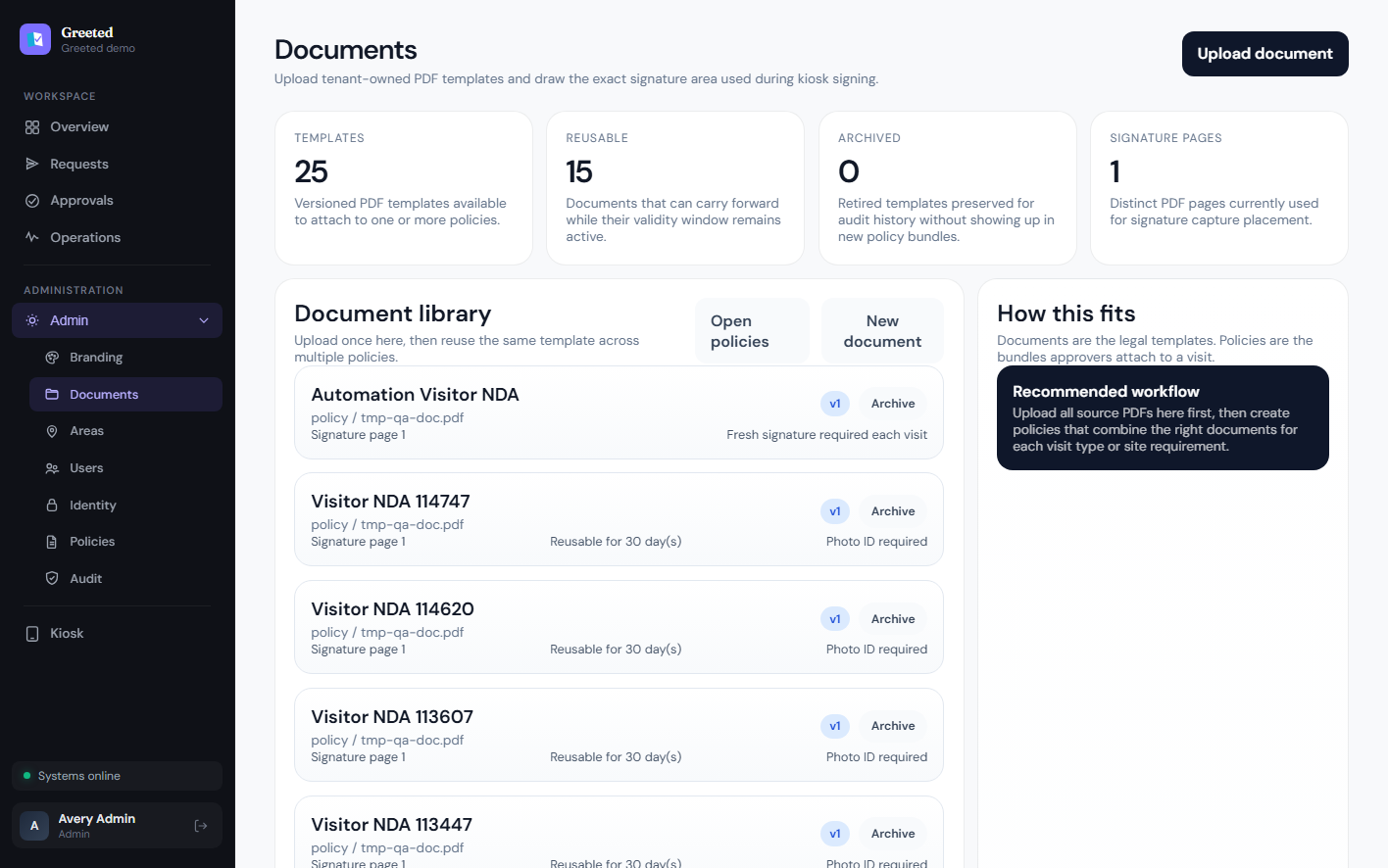
Upload real PDF templates and place the signature zone exactly once
Legal documents live as tenant-owned templates. Teams upload the PDF, place the signature field visually, and define reuse windows or kiosk checks directly on the template.
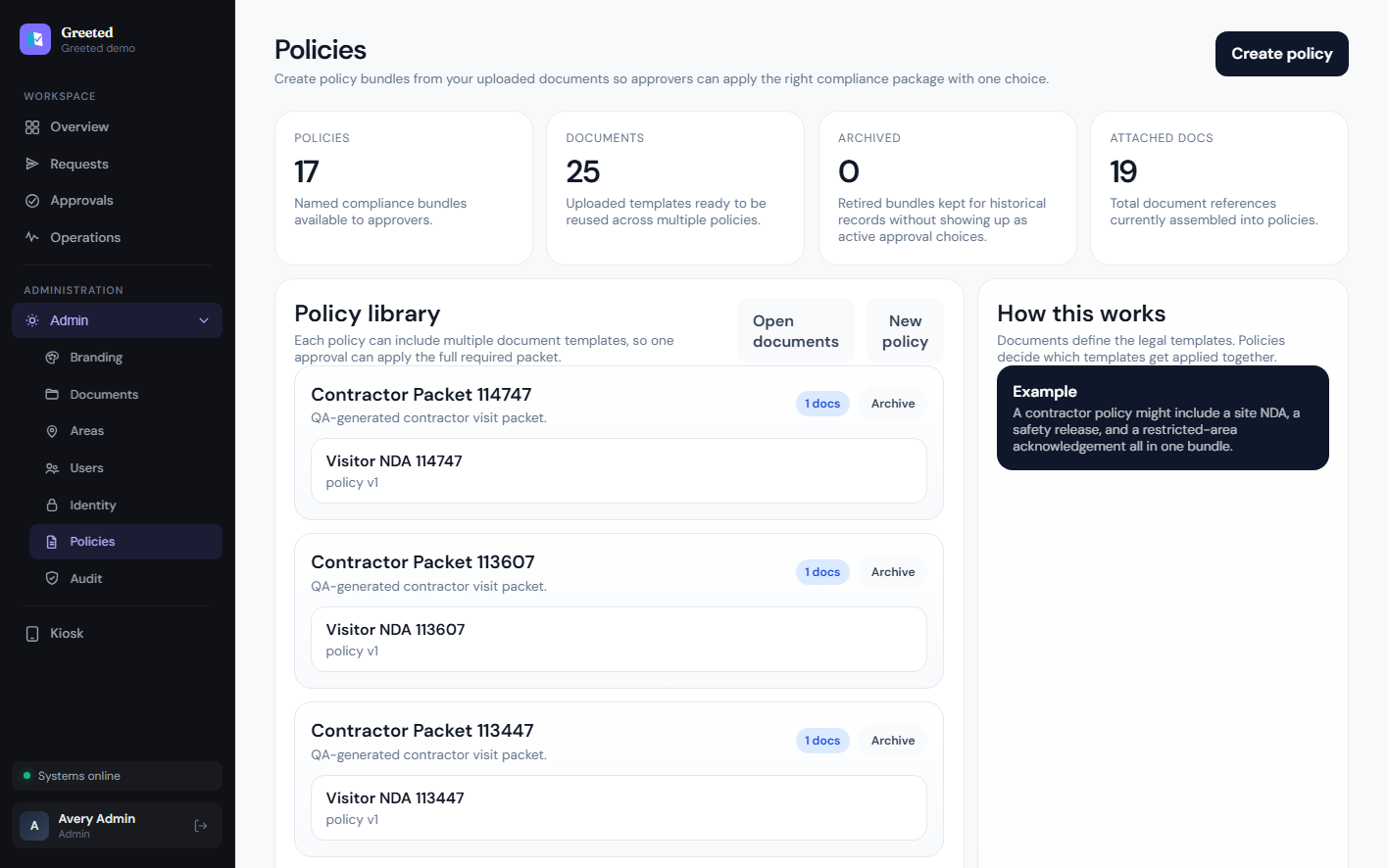
06 — Policies
Assemble multiple documents into one reusable policy bundle
Policies let approvers apply the full compliance packet in one choice, whether that means an NDA, safety release, restricted-area acknowledgement, or all three together.
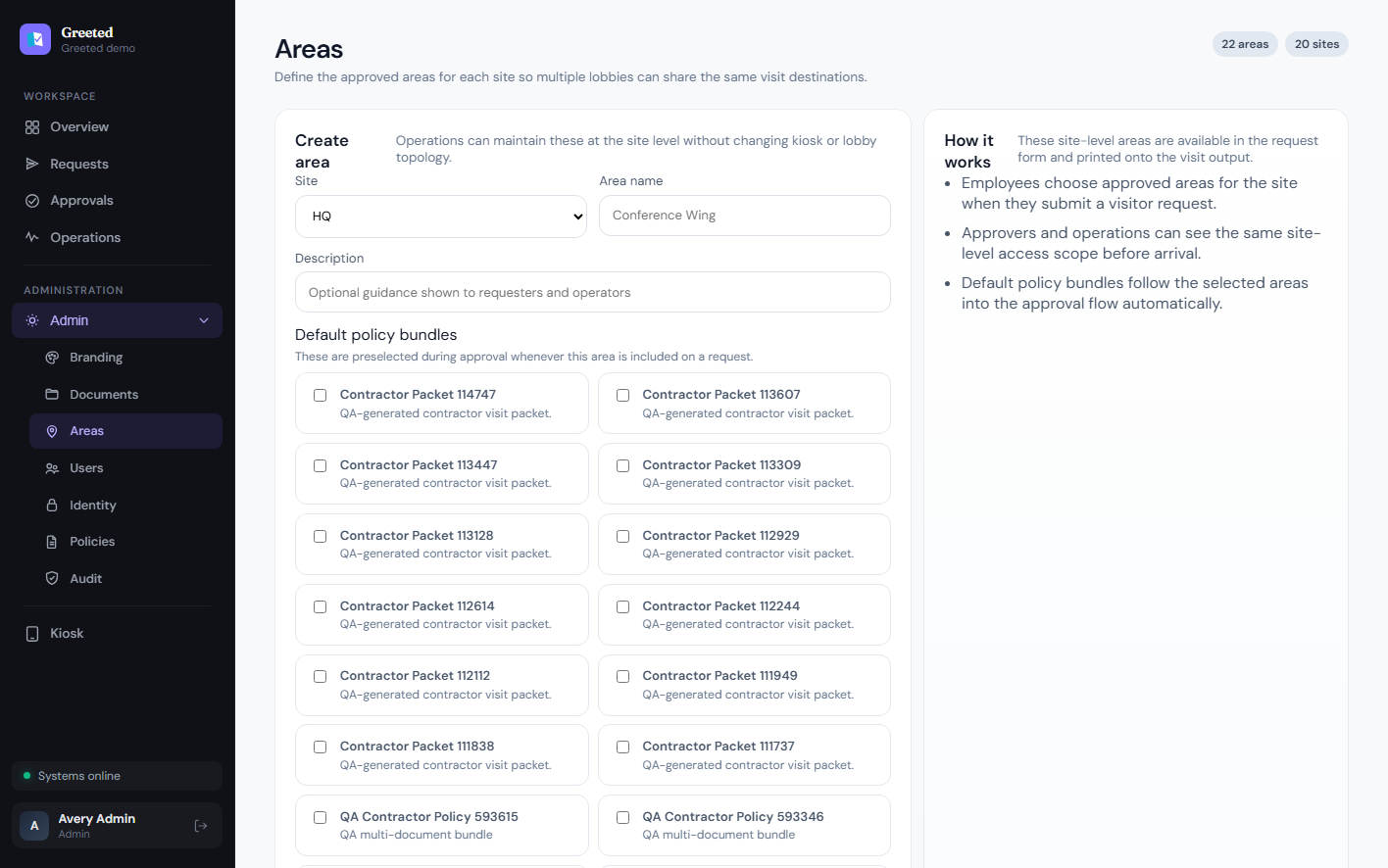
07 — Areas
Control where visitors are allowed to go at the site level
Areas belong to sites, not just one entrance, so multiple lobbies can share the same approved destinations like labs, office suites, or production floors.
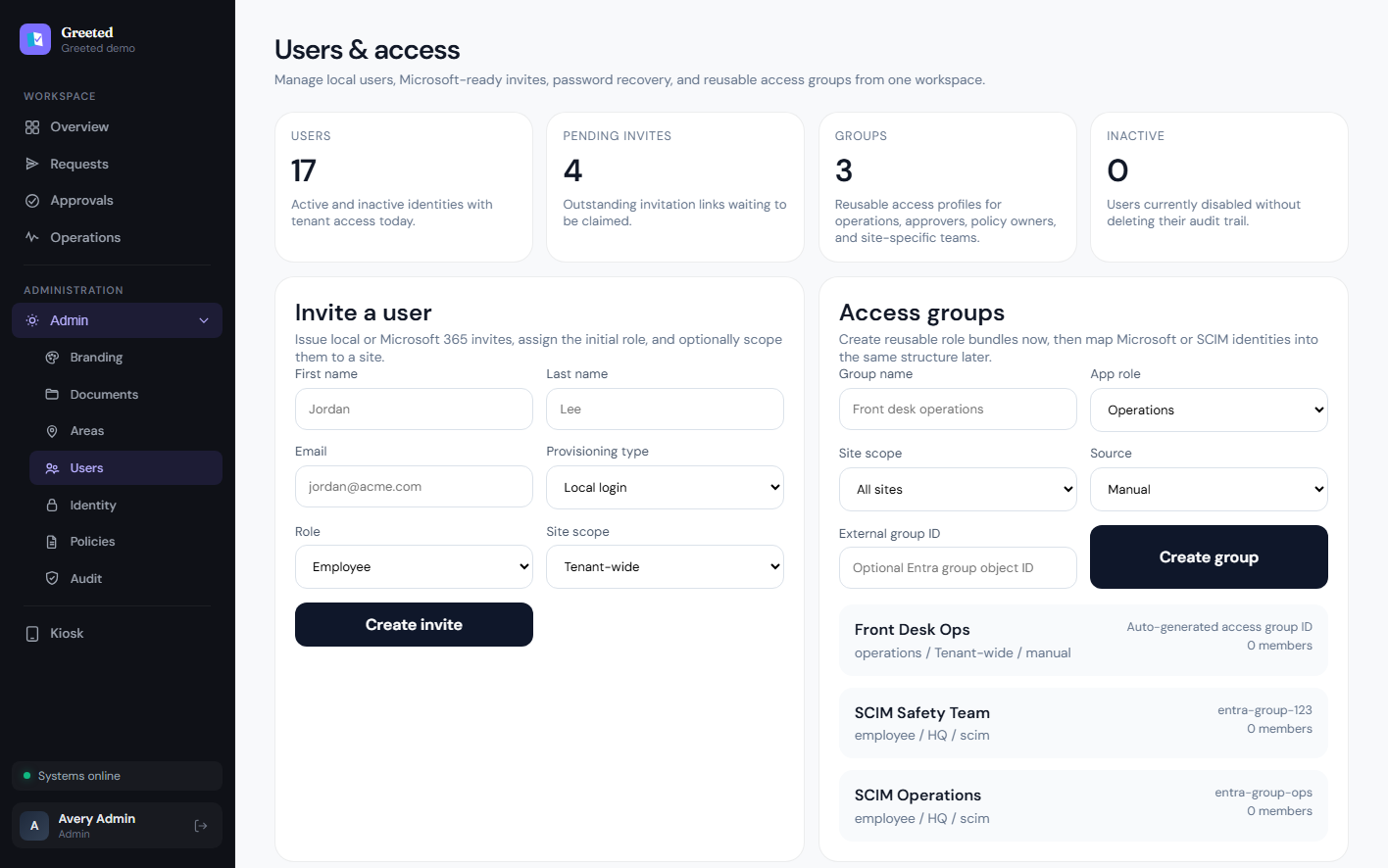
08 — Users & roles
Give operations, approvers, and admins the access they actually need
Admins can invite users, adjust direct access, manage reusable groups, and split responsibilities cleanly across operations, policy, identity, and tenant admin work.
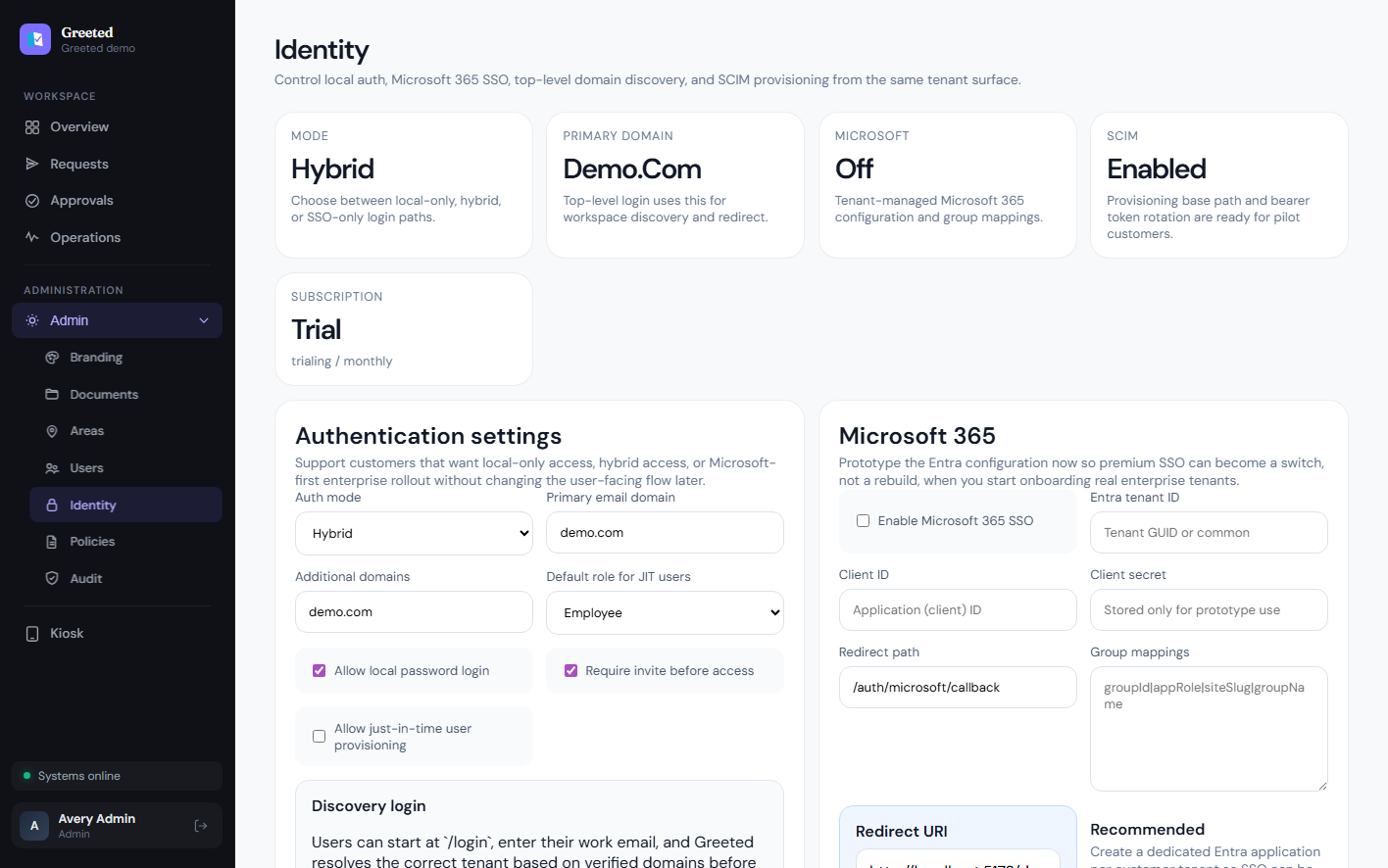
09 — Identity
Support local login now and Microsoft 365 or SCIM when ready
Identity settings already support local auth, hybrid rollout, Microsoft 365 configuration, domain discovery, SCIM foundations, and watchlist or blocklist screening controls for visitor traffic.
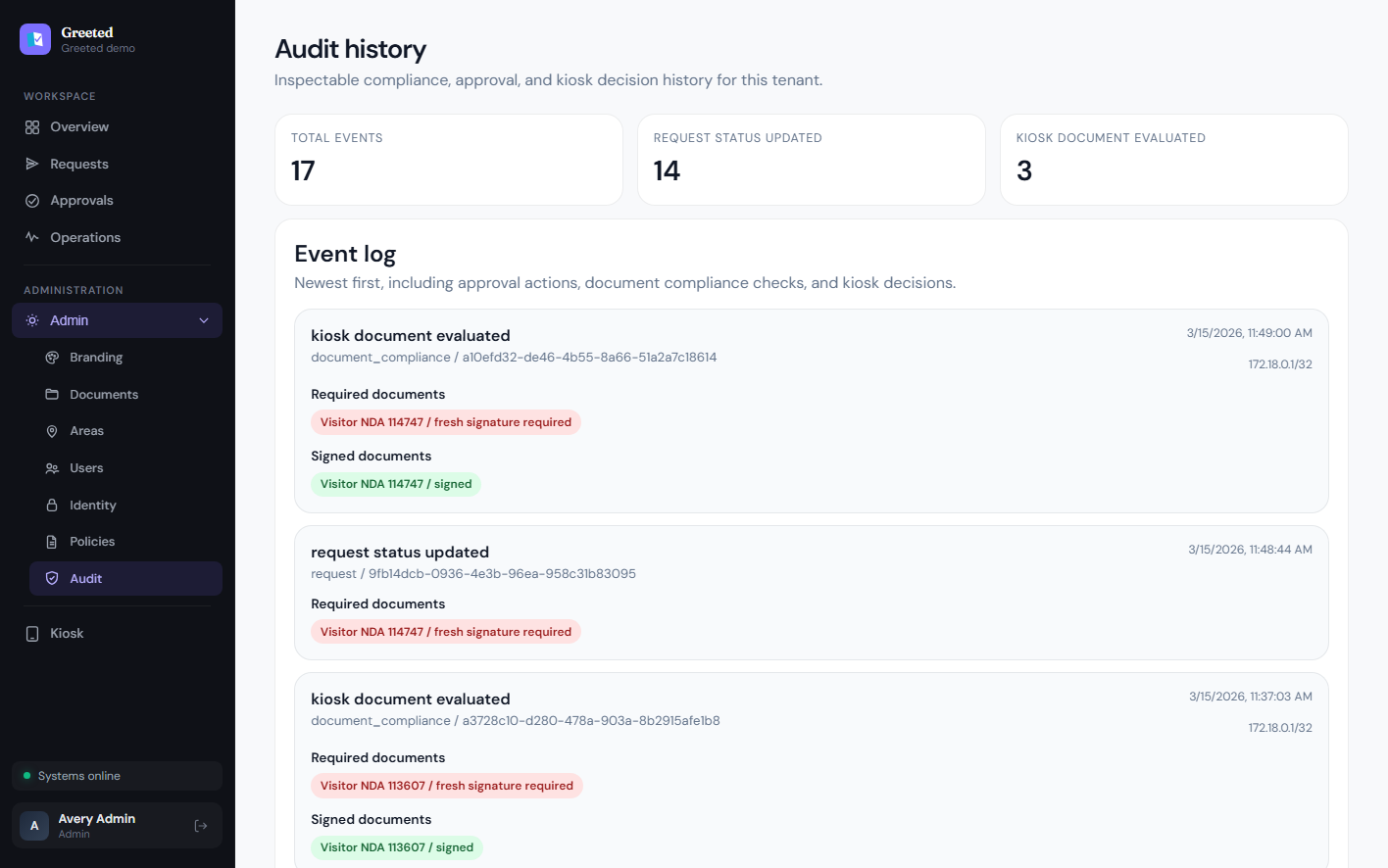
10 — Audit history
Keep a visible audit trail for approvals, compliance, and signatures
Approval actions, document requirements, kiosk evaluations, and signed artifacts stay traceable so teams can answer what happened, who approved it, and what was signed.
11 — Kiosk experience
Finish with a guest-facing kiosk that still enforces real compliance
Visitors can scan a QR code, sign required documents, capture a photo, handle delivery-specific check-ins, and move into badge printing from a front-of-house experience built for tablets without losing policy enforcement or auditability.

Polished enough for the lobby. Structured enough for IT.
That balance is the point. It's practical enough for operations teams to trust on day one.